German (DE)
 French (FR)
PDF Website Converter : Turn web pages into PDF with a single click!
URL to PDF
A small but fine PDF desktop software for faithful preservation of a single website (public URL) in PDF format! The smart tool does not convert an entire web presence into PDF. But only a single URL. The tool does not include a recursive mode to convert all subpages to PDF. Also not in the registered full version.
NEW! CommandLine Mode
As of version 3.0 (Release 2020-06-09), the 7-PDF Website Converter offers a CommandLine mode. The EXE application SevenPDFWC.exe is called from the command prompt with parameters to start a URL to PDF CommandLine conversion. Ideal for batch converting many URLs into a PDF at once, or for automating the URL to PDF conversion!
Command Line Syntax:
[START] [/WAIT] SevenPDFWC.exe "https://www.7-pdf.com" "C:\My URLs\7-pdf.com.pdf" [hideform]
Marked params with [] are optional!
START /WAIT = Start application and wait for it to terminate. (recommended)
Parameter 1 = URL (must start with http(s) !) / Parameter 2: Output path of the PDF (absolte only).
Parameter 1+2: Both clasped with double quotes!!!
[hideform] = Hides the application while the conversion by command line is running. (optional)
Note: The CommandLine conversion is carried out with the saved settings of the desktop application!
Important: Make sure that the application is not started in parallel as a desktop application before you use the CommandLine version!
Tip: You can retrospectively merge a collection of generated WebPDF documents with our PDF Split and Merge.
URL to Word
In conjunction with our PDF to Word Converter you can transfer a single PDF converted to Microsoft Word.
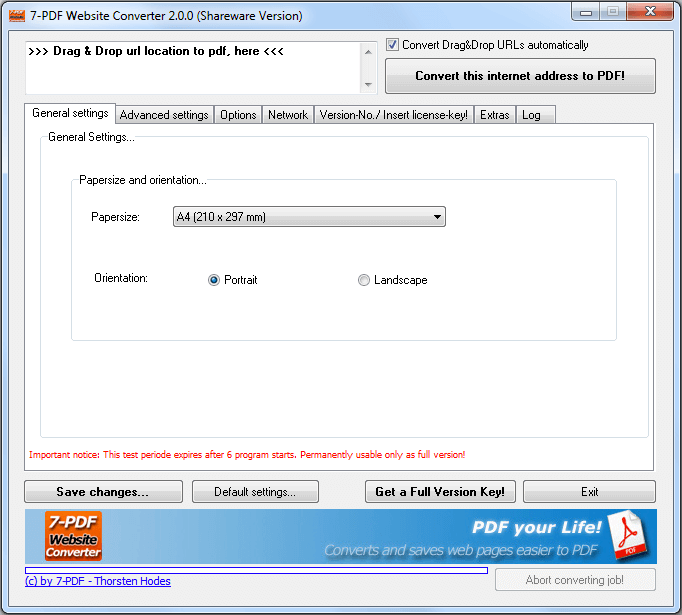
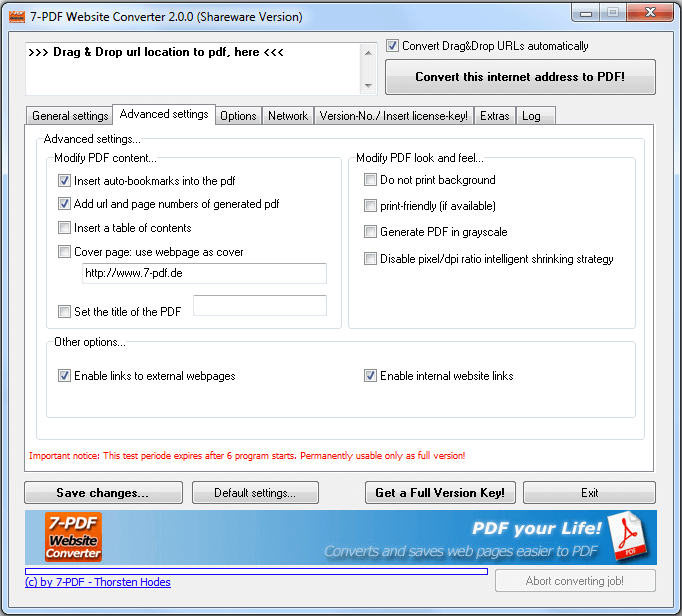
- Preservation a website (URL) in PDF format while retaining their layout
- Automatically creates clickable PDF bookmarks from web headings
- Creation of headers with web address and number of pages
- Automatic creation of tables of content from web content
- Front page function
- Setting of fixed PDF page titles
- Clickable PDF links from website links and website navigations
This software is shareware. The user of this software may install and use the software without restriction in it's free test phase. After this trail periode you have to upgrade your installation to a full version by getting a license key per user that will use the software. You can also distribute and transfer the shareware version, although the licensed version is not transferrable and may not be distributed to or used by third parties even after registration.
Downloads
| Attachment | Size |
|---|---|
| 7-PDF Website Converter 3.0.0 - EXE (Version 2024) | 4.65 MB |
| 7-PDF Website Converter 3.0.0 - ZIP (Unpack & Install - Version 2024) | 4.62 MB |
| 7-PDF Website Converter License | 24.48 KB |
| 7-PDF Website Converter PAD File | 24.35 KB |
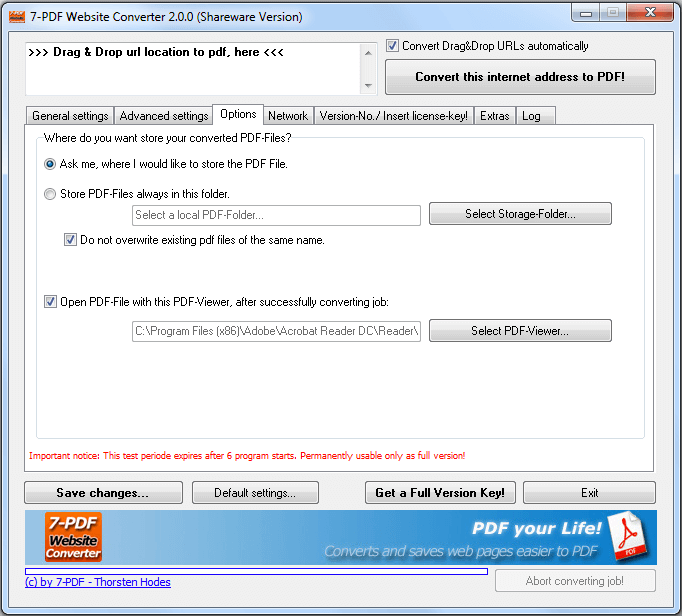
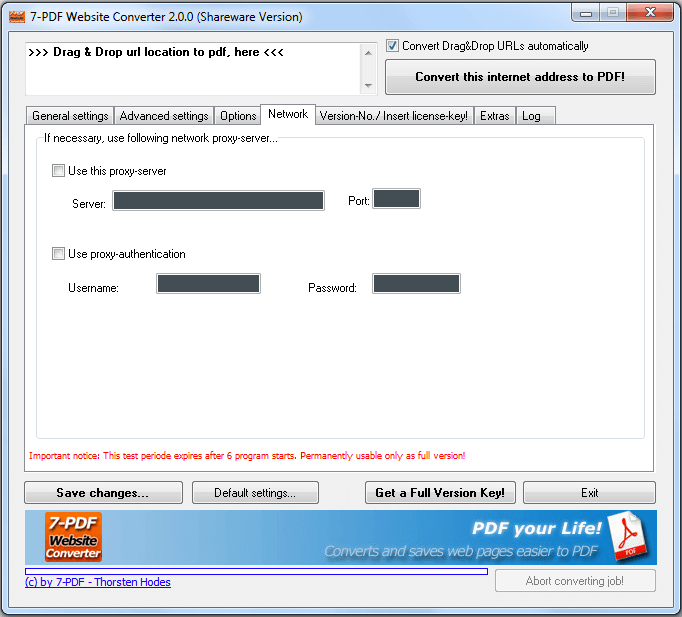
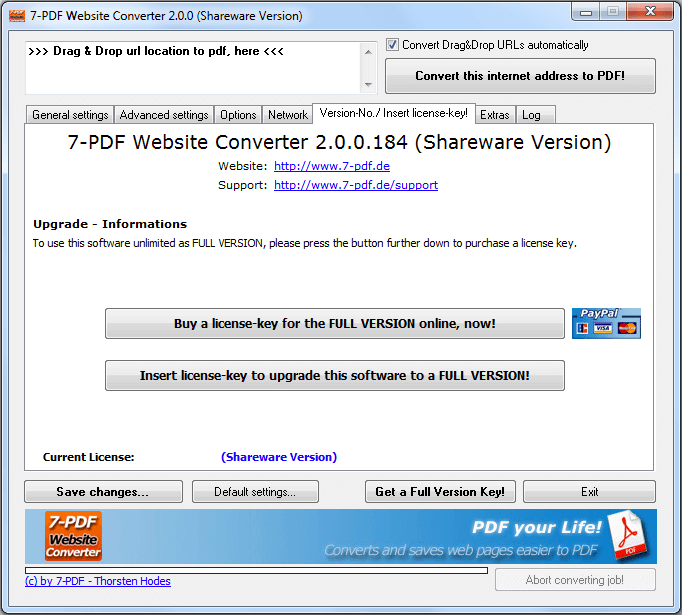
Screenshots